


As we know that LeetCode doesn't provide us any way to view all our posts, I have figured out an easy method to keep track of our posts.
-
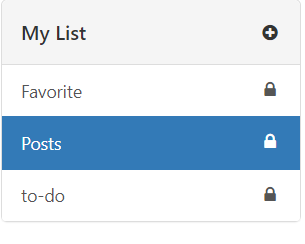
Go to the "My list" section

-
Over there create a new List called Posts
-
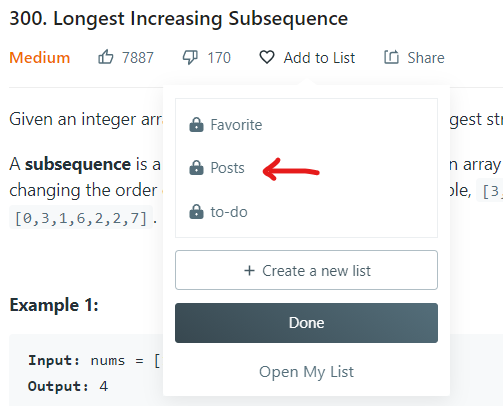
Then open the question which you have written a post for and hover over "Add to List" ,click on Posts and then click on Done
-
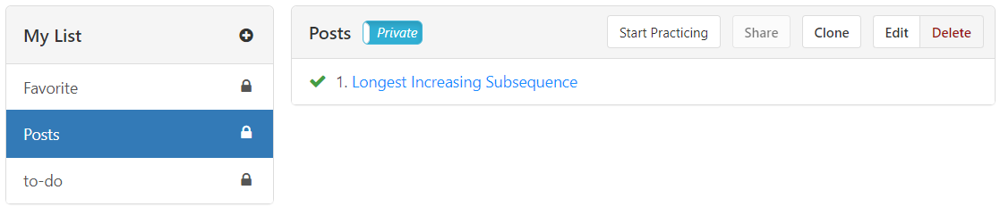
Now you can keep track of all the posts by going to "My List" and opening the discussion section for the question you have added in the list.
-
In the discussion section just search for your username and you'll be able to see your post.
Comments (9)