


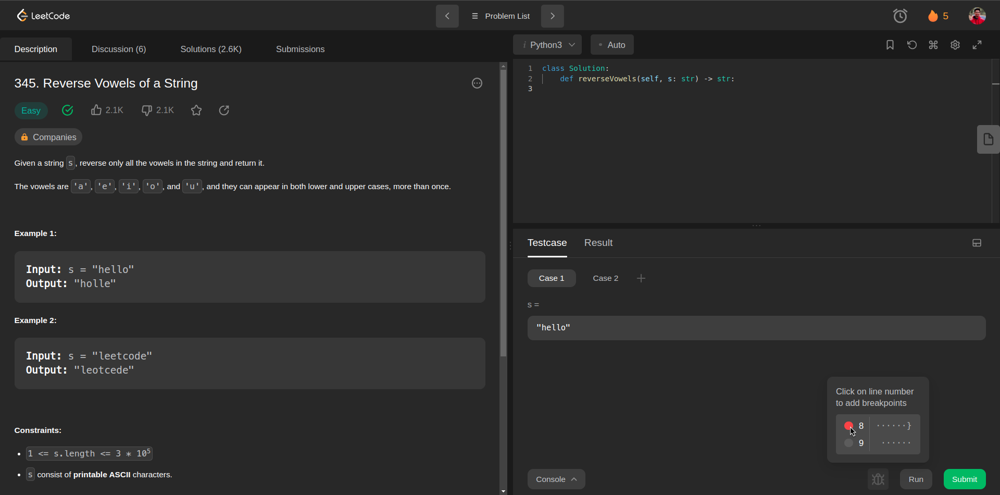
New UI Panel:
TO GET THE OLD UI BACK WITH FOLLOWING STEPS OR SWITCH BETWEEN
-
Please go to your profile page leetcode.com/profile/lab and turn on the 'Opt-in for further beta testing' option.
-
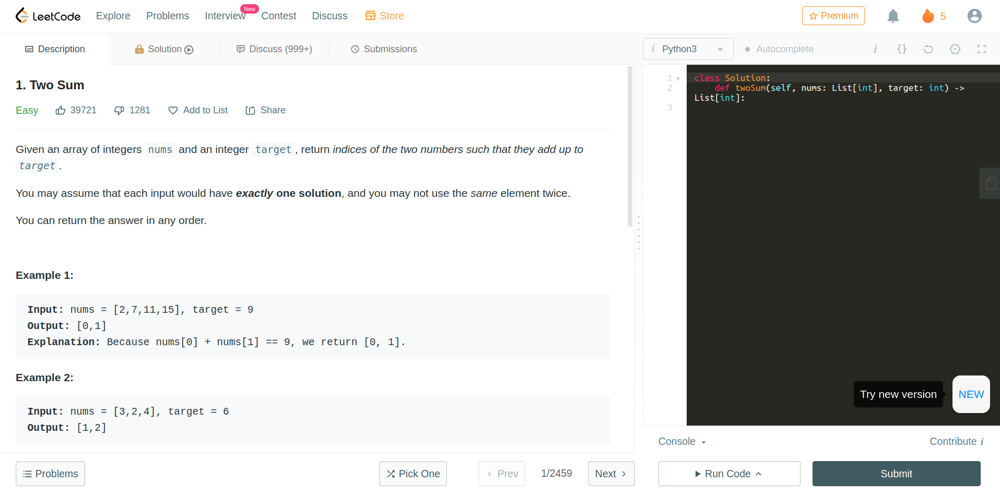
Go to any question description page, for example, https://leetcode.com/problems/two-sum/.
To switch to new UI -> there is a button "NEW" in the right bottom for OLD -> NEW.
-
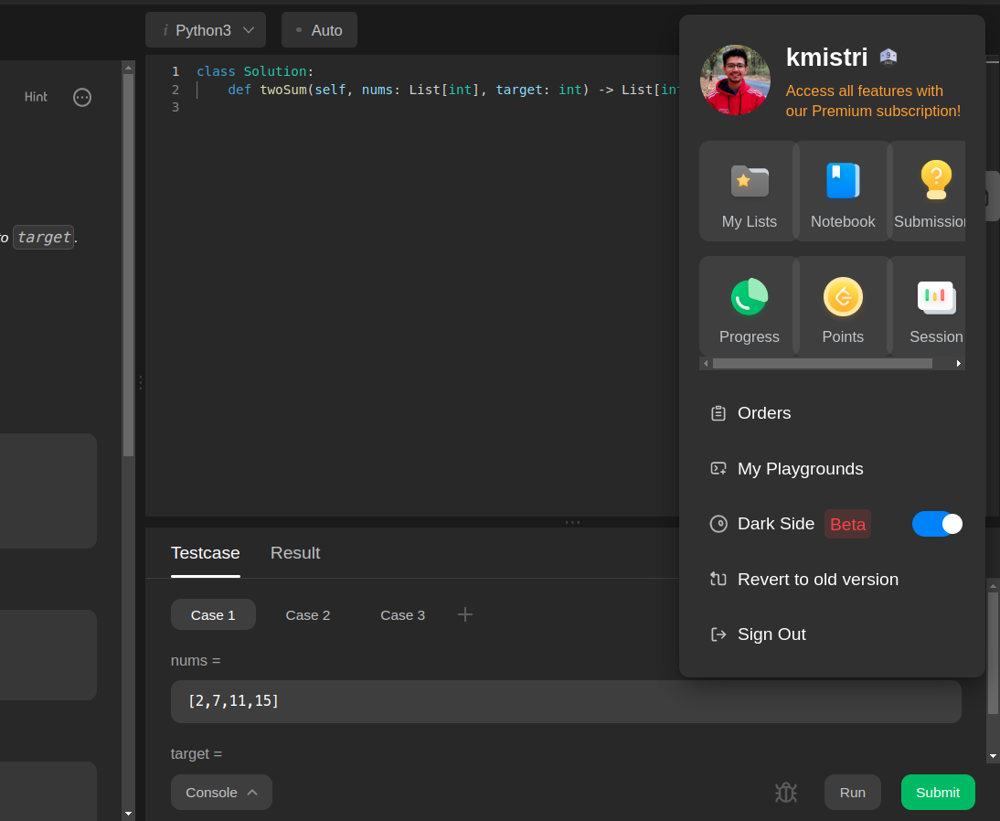
Click your on your userpic, and you can then use "Revert to the old version" option from the drop-down menu.
Comments (7)