


Leetcode Dark Mode
Unavailable
Custom Dark Mode
For leetcode grinders like me we spend most of our quality time on leetcode. Since as if now only light UI is available in the question description I now would like to introduce you to custom made dark UI.
I am sharing a screenshots of the sample. If you like dark UI then go ahead follow the same steps as I did.
Screenshot 1
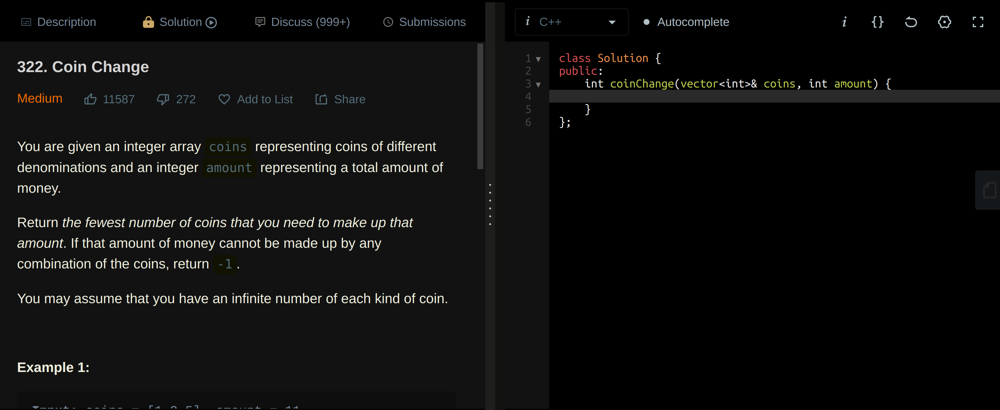
Screenshot2

Steps:
- Install Stylus extension from google extension
- Go to my github repo.
- https://github.com/NegiAkash890/Leetcode-Dark-UI/tree/main
- Create new stylus stylesheet
- Copy the code & paste the css file in the stylus
Congrats you have finally created a custom dark UI for your leetcode
You can upvote, if you liked the idea.
Comments (1)